
Navigate to "https://app.mdware.org"
Click the register link.
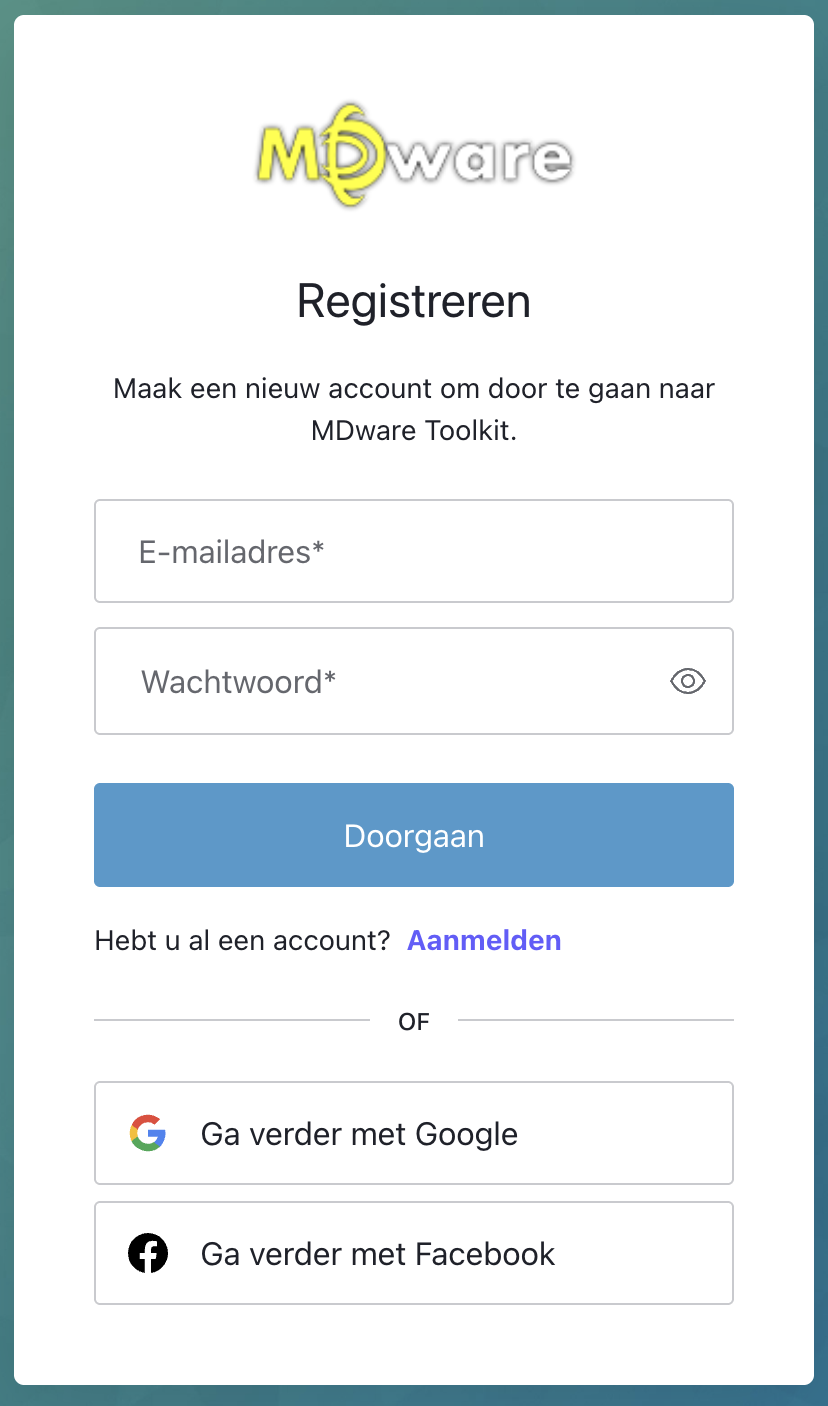
There are two ways to register:
a) Fill in the following fields: "Email", "Password" and "Full Name", then click the "Create an Account" button.
b) Log in with an existing Facebook or Google Account, and your MDware Account will automatically be created.
Now you are welcomed by the platform dashboard, you're successfully registered!
Start using one of our apps:
MDware Invoicing for Lightspeed Retail
MDware Loyalty for Lightspeed Retail
MDware Loyalty for Lightspeed eCommerce
MDware Payments for Lightspeed Retail
Giftcard Generator