
Log in to the MDware Toolkit and go to the invoices page.
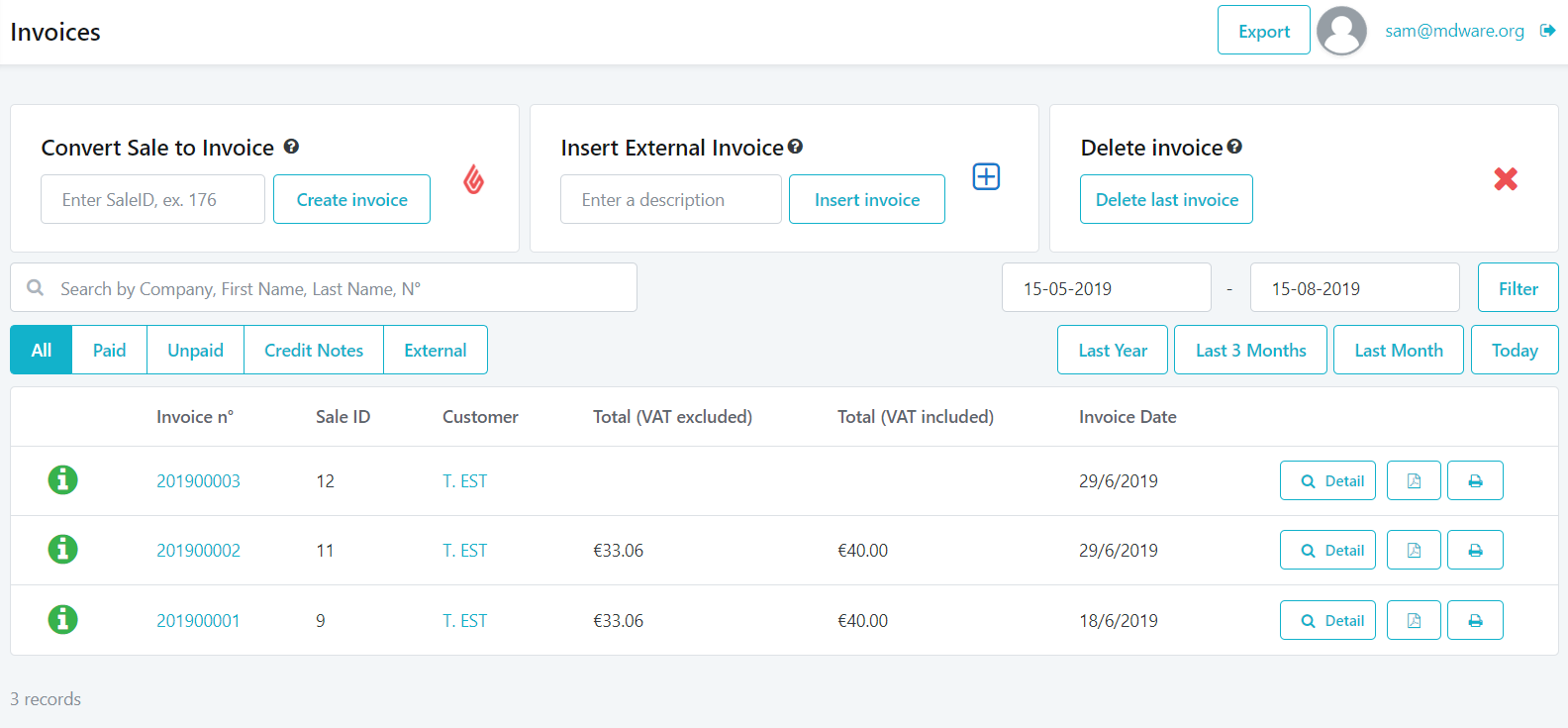
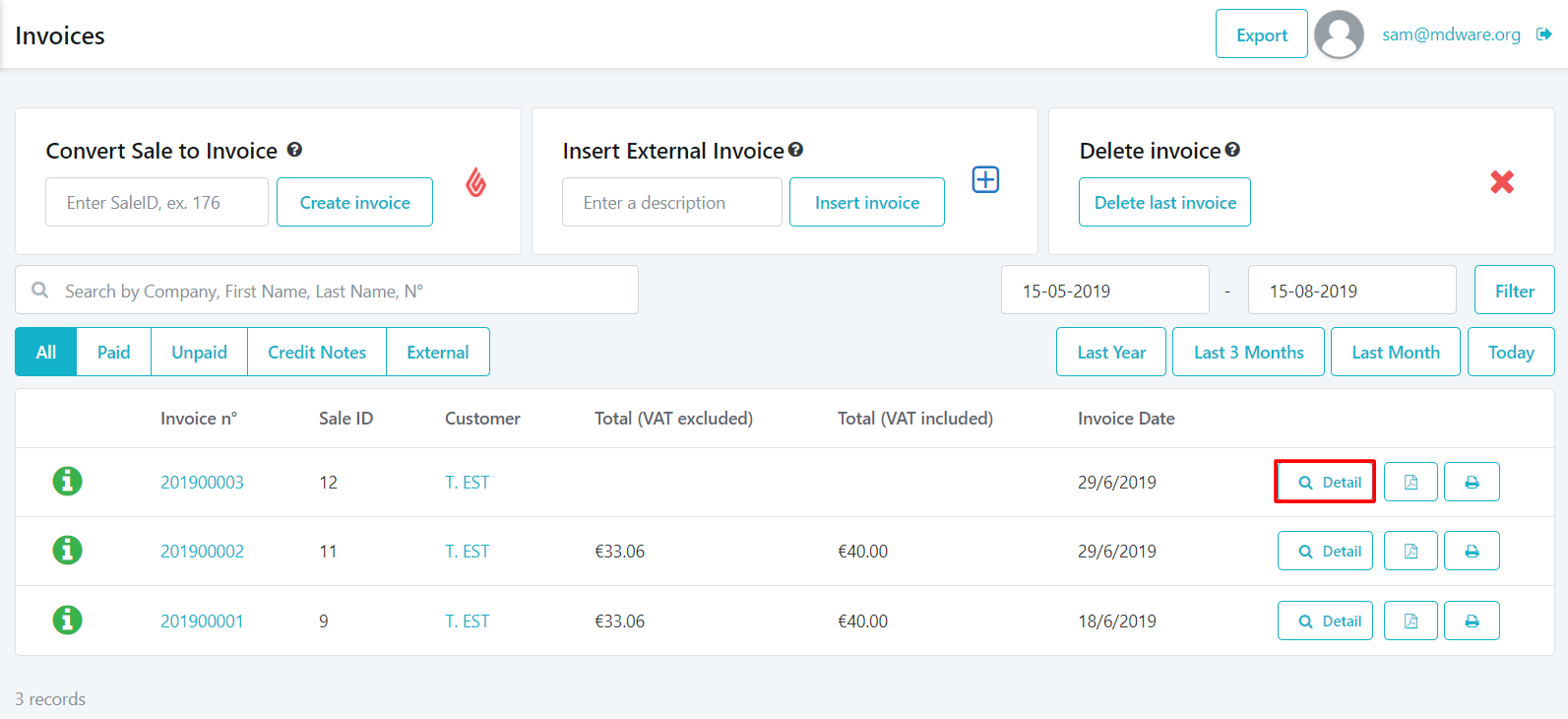
2. Select the invoice for which you want to create a packing slip and click on the "Detail" button.
3. In the upper right corner you will see a button with a box logo.
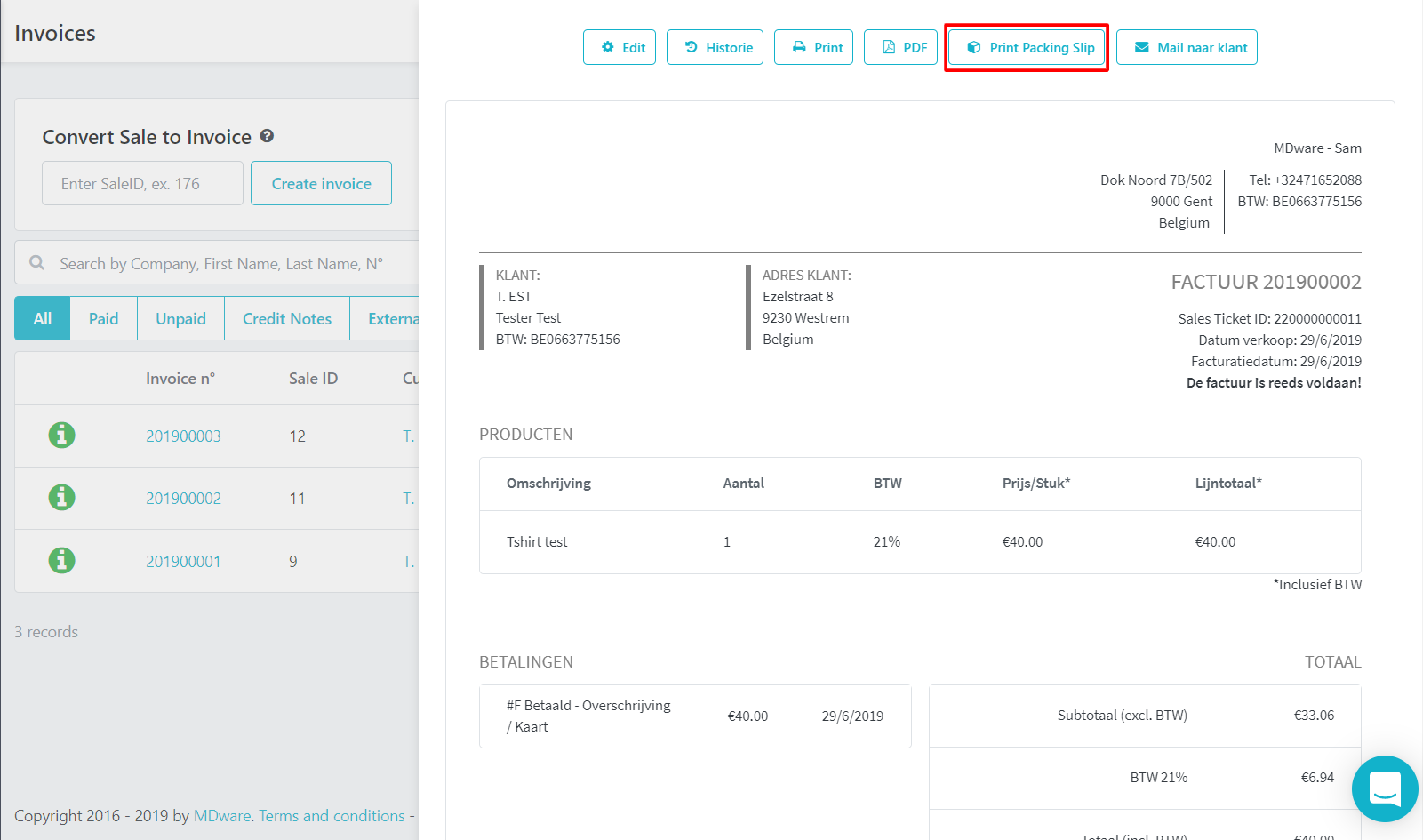
4. When you click on this button, your packing slip ("Pakbon") will be created and you'll be able to print it!